
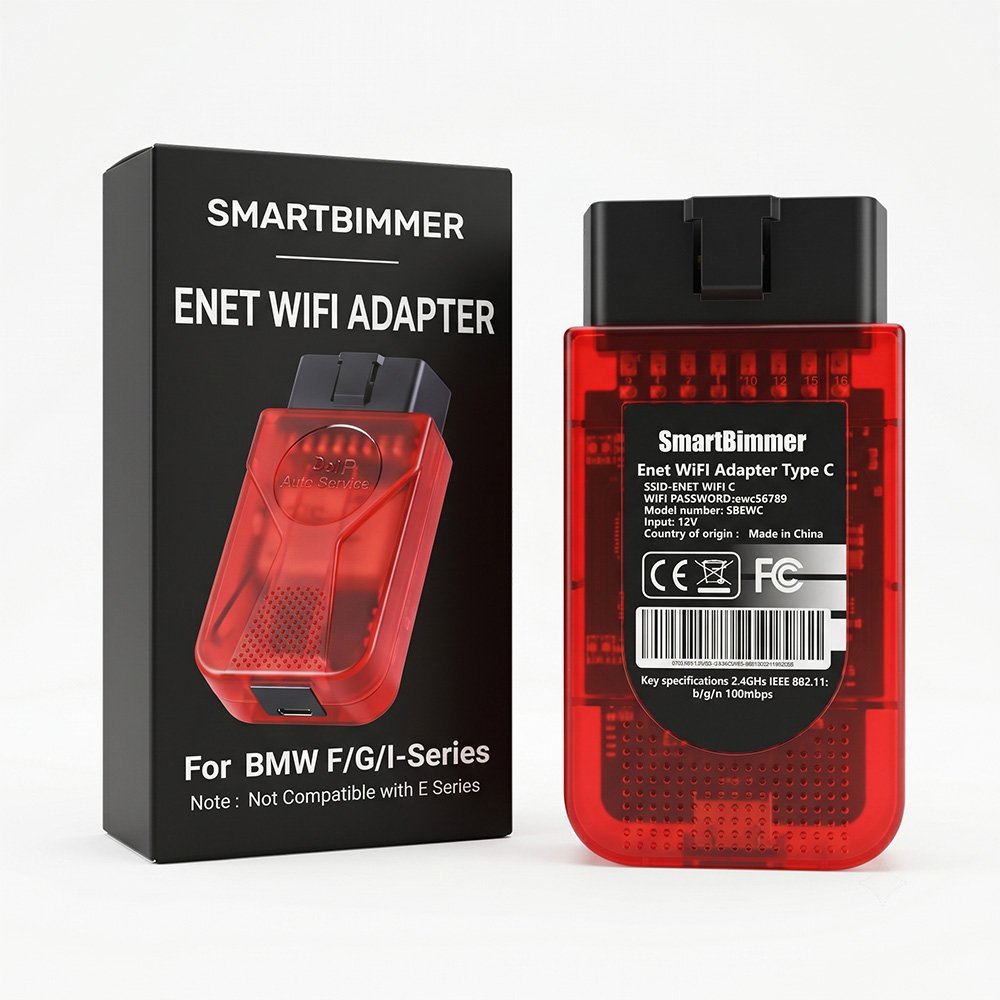
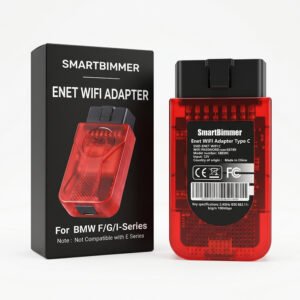



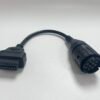
SmartBimmer ENET WiFi Adapter Type C for BMW F G I Series
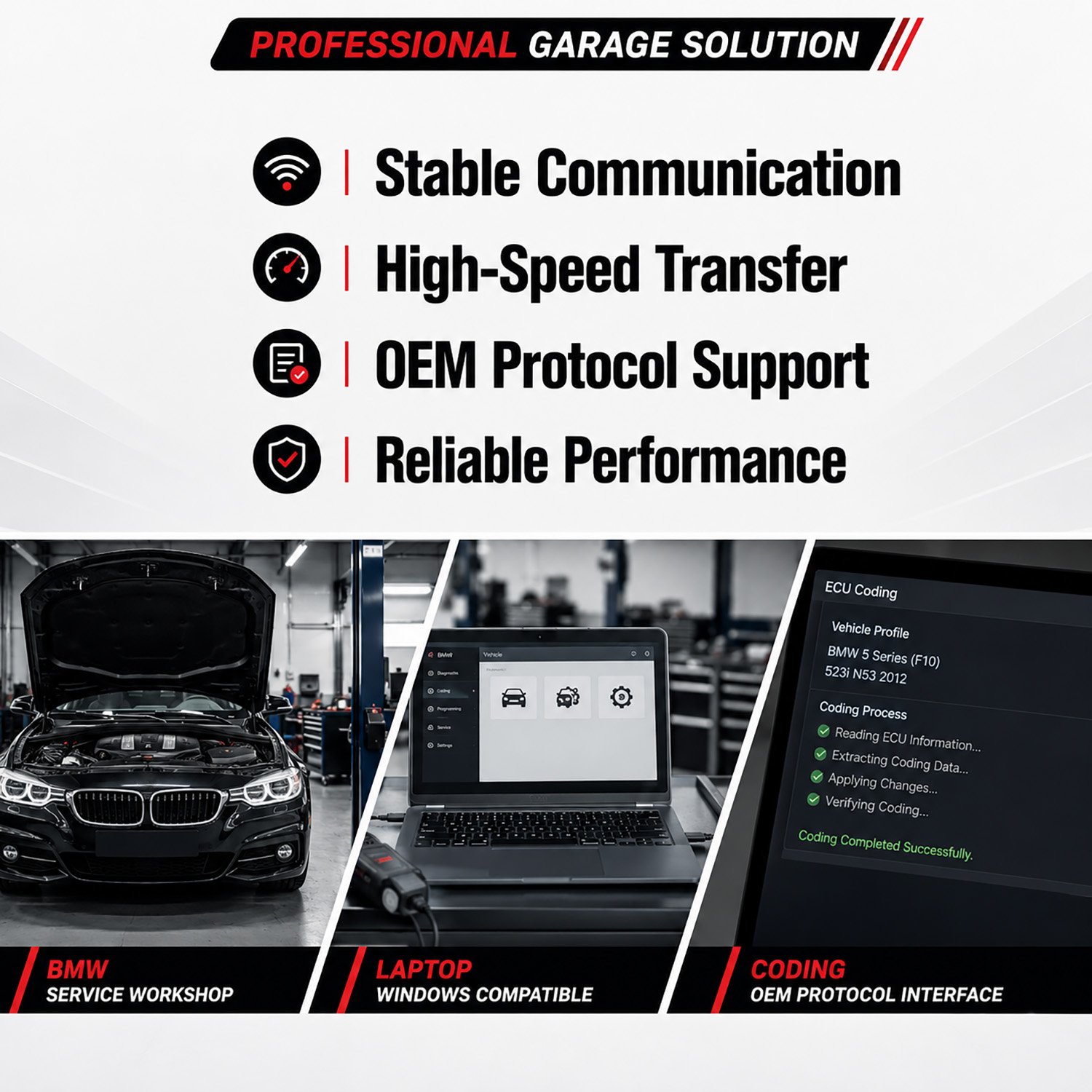
Unlock your BMW or MINI’s true potential with the ultimate diagnostic and coding tool. The SmartBimmer ENET WiFi Adapter Type C is specifically engineered for BMW F, G, and I series, delivering lightning-fast communication between your vehicle’s ECU and your smartphone, tablet, or laptop.
Whether you want to flash a new tune, read and clear fault codes, or customize hidden factory features, this dual‑mode adapter (Wireless WiFi + Direct Type C) ensures a stable, high‑speed connection every time.
🔓 Unleash Your BMW’s Hidden Features
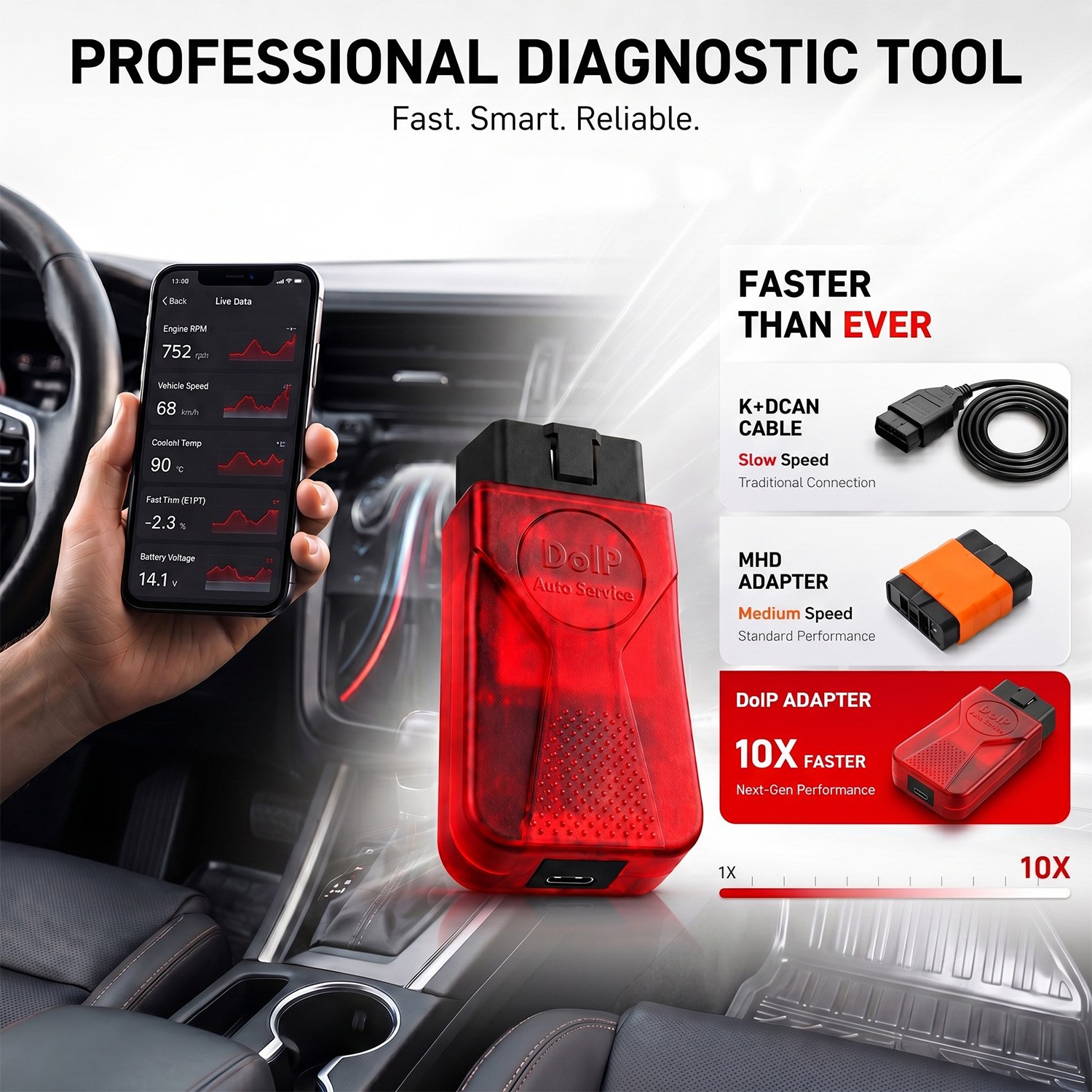
Gone are the days of slow, unreliable Bluetooth dongles. By utilizing a built-in Ethernet‑to‑WiFi protocol and a dedicated Type C wired option, the SmartBimmer ENET Adapter processes data significantly faster than standard OBD2 scanners. Flash your transmission, code in Apple CarPlay, or log engine data in real‑time with zero lag.
⭐ Key Features
- Dual Connectivity: Use the high‑speed 2.4GHz WiFi for wireless convenience, or plug in the included Type C cable for a hardwired, interference‑free connection to your modern iPad, MacBook, or Android device.
- Lightning‑Fast Read/Write: Flash tuning maps and code ECUs in a fraction of the time compared to traditional Bluetooth adapters.
- Safe & Secure: Built‑in DC/DC converter and thermal heat sink protect your vehicle’s ECU against voltage spikes and overheating during critical flashing processes.
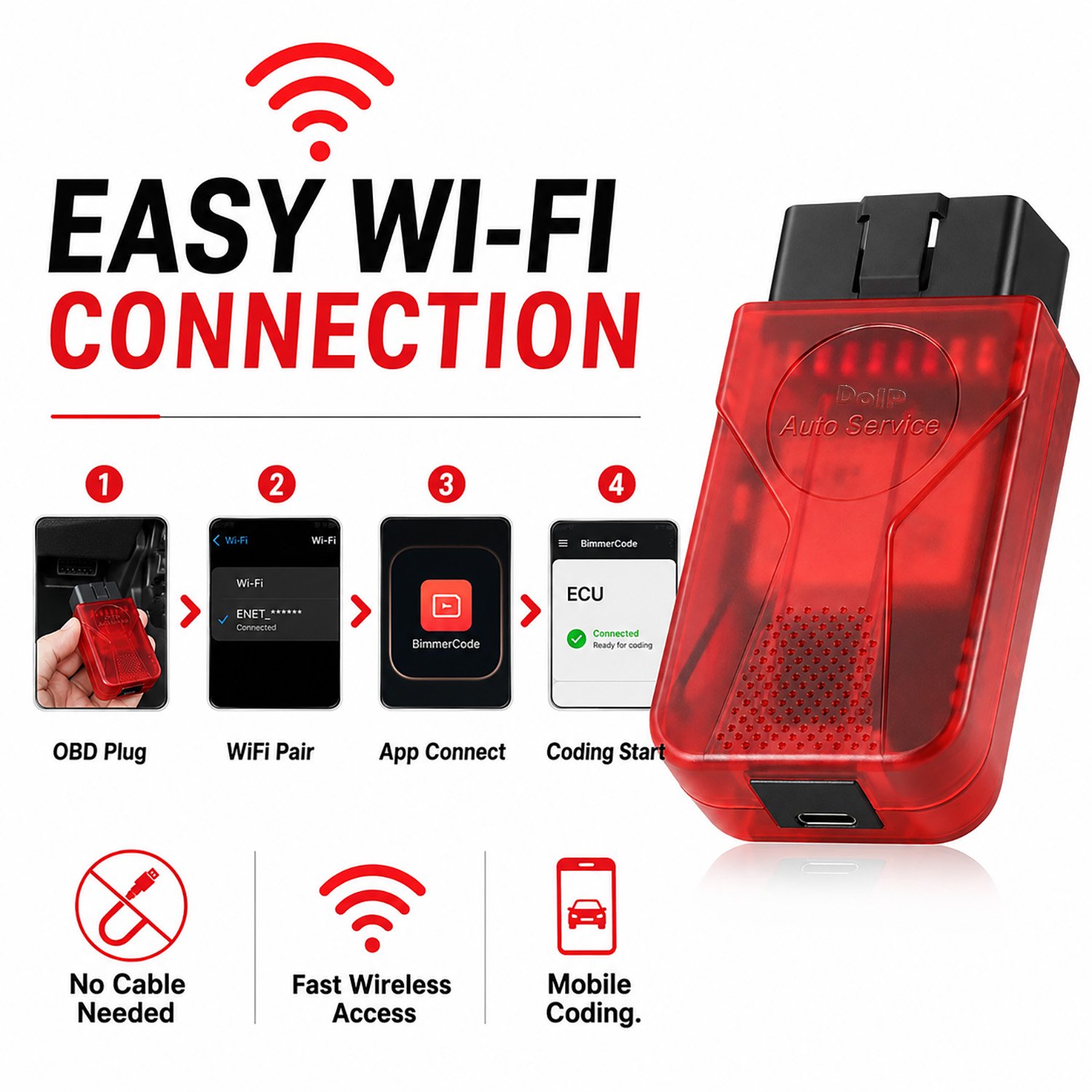
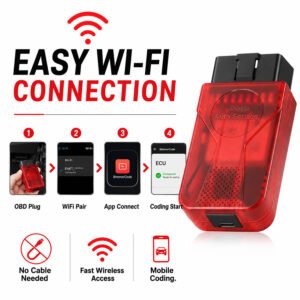
- Plug & Play: Simply plug it into your OBD2 port, connect to the “SmartBimmer” Wi‑Fi network (or plug in the Type C cable), and launch your favorite app.
📱 Seamless App Compatibility
The SmartBimmer ENET WiFi Adapter Type C is officially compatible and thoroughly tested with top‑tier BMW tuning and diagnostic software, including:
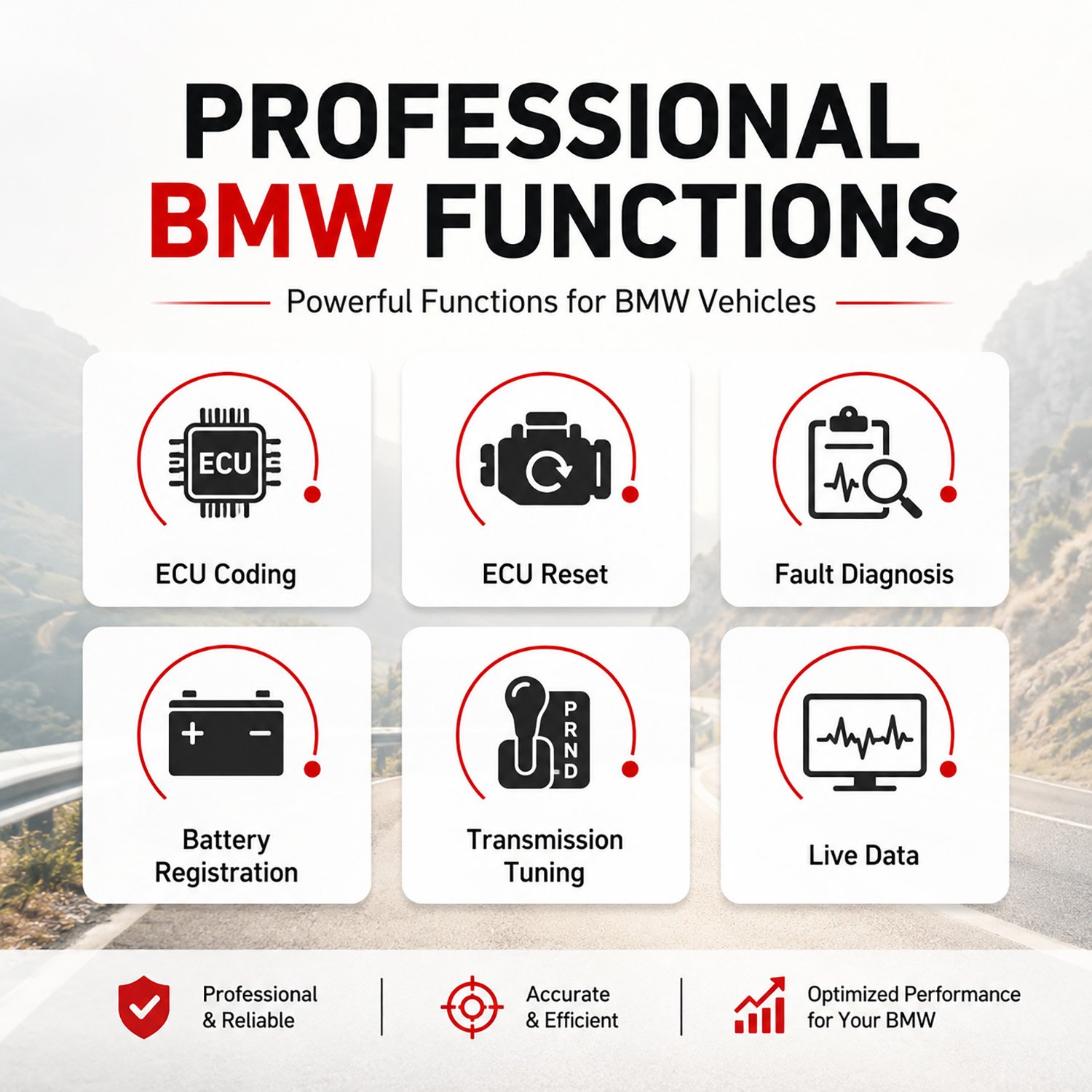
- BimmerCode: Unlock hidden features (video-in-motion, digital speedometer, custom ambient lighting).
- BimmerLink: Read and clear DTCs, register new car batteries, and open exhaust flaps.
- Bimmer Utility
- MHD Flasher & bootmod3 (BM3): Flash custom engine tunes (DME) for massive horsepower gains.
- xDelete: Toggle your xDrive system between AWD and full RWD.
- Dealer Software: Fully supports E‑Sys, ISTA/D, ISTA/P, and INPA for advanced PC‑based diagnostics.
- JET‑Master, JET‑PRO, JET‑LockSmith
- JLR TOPIx cloud access
- and many more
🚗 Supported Vehicles
⚠️ Note: This adapter is strictly for modern chassis codes and is NOT compatible with older BMW E‑Series models.
- BMW 1 Series F20, F21, F40, F52
- BMW 2 Series F22, F23, F44, F45, F46, F87, G42
- BMW 3 Series F30, F31, F34, F35, F80, G20, G21, G80
- BMW 4 Series F32, F33, F36, F82, F83, G22, G23, G26, G82
- BMW 5 Series F07, F10, F11, F18, F90, G30, G31
- BMW 6 Series F06, F12, F13, G32
- BMW 7 Series F01, F02, F03, F04, G11, G12
- BMW 8 Series G14, G15, G16, F91, F92
- BMW X Series F48, F49, F39, F25, F26, F15, F16, F85, F86, G01, G02, G05, G06, G07
- BMW Z4 / Toyota Supra G29 / A90, A91
- BMW i Series i3, i4, i8, iX
- MINI F54, F55, F56, F57, F60
⚙️ Technical Specifications
| Specification | Details |
|---|---|
| Connection Protocol | ENET (Ethernet over OBD2) |
| Wireless Standard | 2.4GHz IEEE 802.11 b/g/n (Up to 150 Mbps) |
| Wired Interface | USB Type C |
| Operating Voltage | 12V – 14V (Powered by OBD2 port) |
| Baud Rate Range | 1200 ~ 500000 bps |
| Security Encryption | WPA2‑PSK / WPA‑PSK |
| Certifications | CE, FCC, RoHS |
📦 Package Including
- SmartBimmer ENET WiFi Adapter Type C × 1
- Type C cable 1.8 meters × 1
🔌 How to Connect (Wireless Mode)
- Plug In: Insert the SmartBimmer adapter into your vehicle’s OBD2 port (usually located in the driver’s side footwell).
- Prepare Device: Put your phone or tablet into Airplane Mode and turn Bluetooth OFF to prevent signal disruption.
- Turn On Wi‑Fi: Enable Wi‑Fi and select the SmartBimmer_XXXX network. (Default Password: 12345678)
- Connect App: Open your tuning/diagnostic app, navigate to settings, select “SmartBimmer ENET” or “ENET WiFi”, and tap connect.
(For a wired connection, run a Type C cable from the adapter directly into your device’s USB‑C port and select Ethernet/Wired in your app settings.)
Be the first to review “SmartBimmer Enet WiFi Adapter Type C for BMW F G I Series”
You must be logged in to post a review.
Related products
Uncategorized
Uncategorized
Uncategorized
Reviews
There are no reviews yet.