
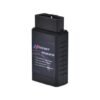
SmartBimmer Master Tool – Unlock Your BMW’s Features with Easy BMW Self-Coding and Programming
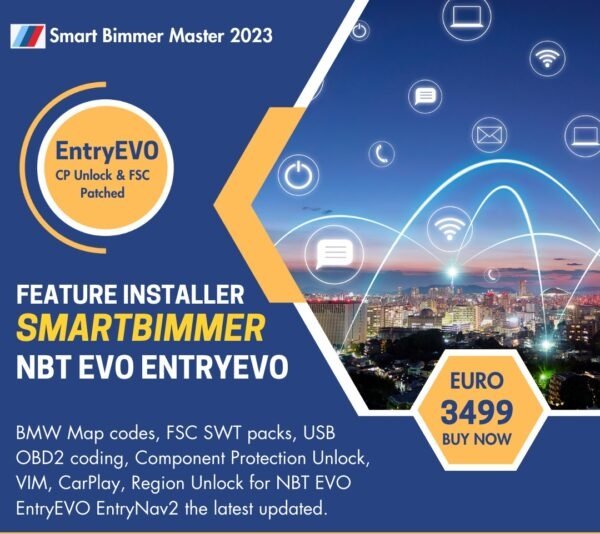
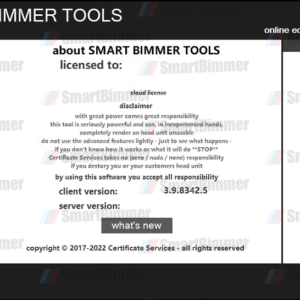
Take control of your BMW’s software with the SmartBimmer Master tool. You don’t need to be a professional to activate amazing new features. We make BMW self-coding and programming simple for everyone.
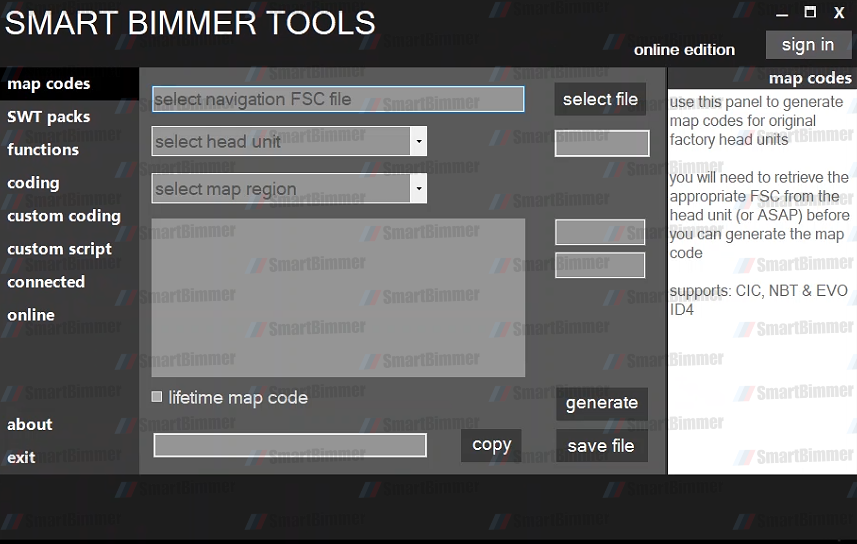
Functions Supports:
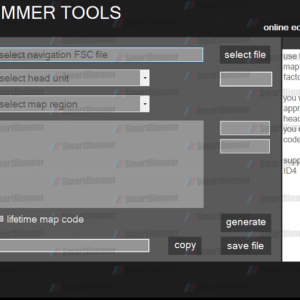
- BMW Map Codes
- FSC SWT Packs
- USB OBD2 Coding
- Component Protection Unlock
- Popular Feature Activation(VIM, CarPlay, Region Unlock, etc.)
Support Head Unit:
- NBT EVO
- EntryEVO
- EntryNav2
The latest Update:
- Fix for the occasional error, unable to ping HU
- Minor bug fix when generating FSC for 170 – allow to enter upgrade index
- Code limits now allow multiple codes per VlN and count as 1 against the limit
- Add support for EVO HW5.1 for region change / black screen fix
- Add 170 to the FSC pack generator for EntryNav2
- Change lifetime index to 9912 for EntryNav2
- Add option to Connected/Online to install black screen fixregion unlock for lD4
- Official EvO lD4 support added to Connected/Online
- Add option to Connected/Online to enable lD6 and Modern Ul for Mini
What Can You Do?
With our plug-and-play tool, you can easily handle coding jobs yourself. Just use a USB drive or an OBD2 cable.
Popular Features:
- Video in Motion
- Apple CarPlay & Fullscreen CarPlay
- Screen Mirroring
- MLaptimer
- BMW Apps
- Satellite Radio
- Region Unlock
- And many more!
Two Simple Ways to Activate Features
1. USB Self-Coding
- Copy the file to a blank USB drive (FAT32 format).
- With the ignition on, plug the USB into your BMW’s port.
- Wait 30 seconds, then remove the USB.
- Reboot your iDrive system by holding the volume button for 15 to 20 seconds.
- Wait for the system to reboot. Do not interrupt the process.
- Enjoy your new features!
2. OBD2 Plug-and-Play Activation
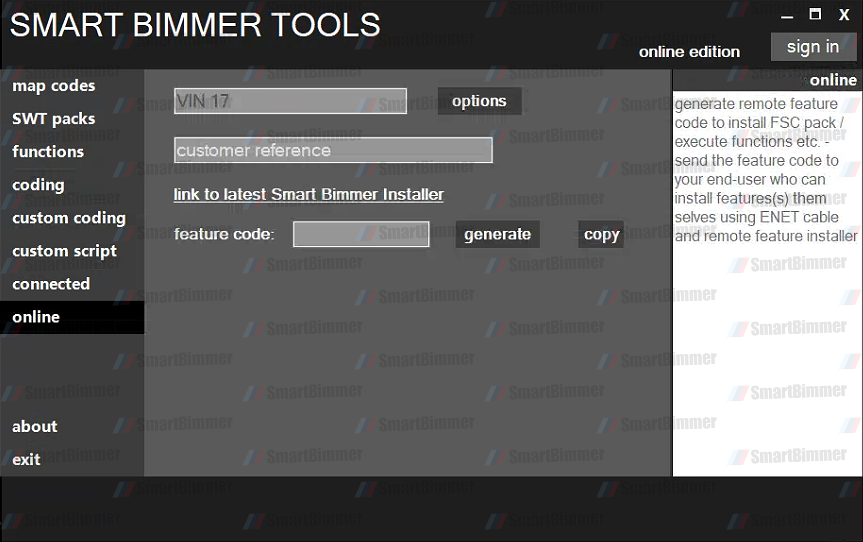
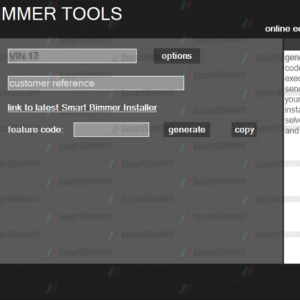
Download the SmartBimmer Client Tool. Please let us know which features you would like for your car, and we will send you the corresponding codes. Our codes do not expire and can be used multiple times on the same vehicle.
Download Tool: SmartBimmerInstaller
What Vehicles and Software Are Supported?
We support BMW, Mini Cooper, and Rolls-Royce models. Our tool works with NBT software up to 2019-11 and all EVO software 2020 versions.
Global FSC Code Support
We provide FSC Map codes and standalone files for all regions, including North America, Europe, Asia, and more.
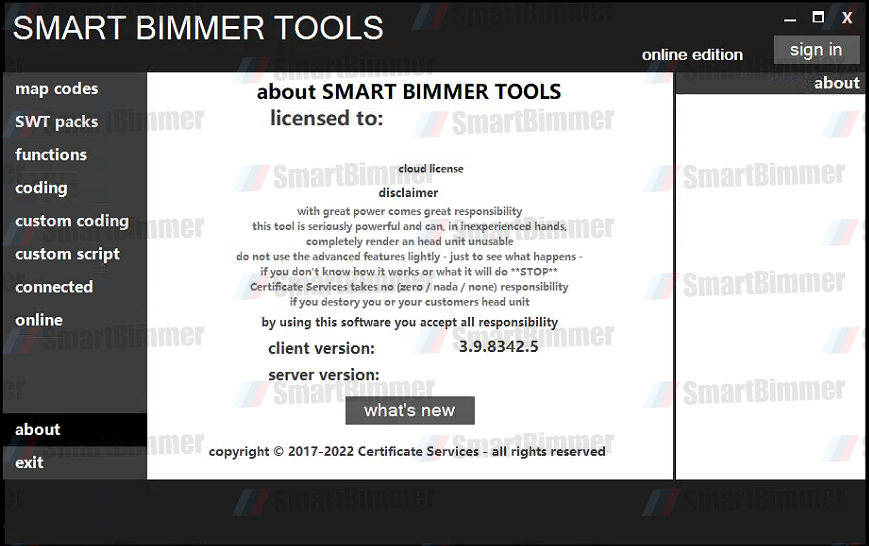
Disclaimer: BMW and MINI are registered trademarks of BMW AG. SmartBimmer Tool is not affiliated with or authorized by BMW AG. We are independent BMW enthusiasts.
Be the first to review “BMW Self-Coding and Programming SmartBimmer Master Tool”
You must be logged in to post a review.
Related products
Uncategorized
Uncategorized
Uncategorized

Uncategorized
Reviews
There are no reviews yet.