
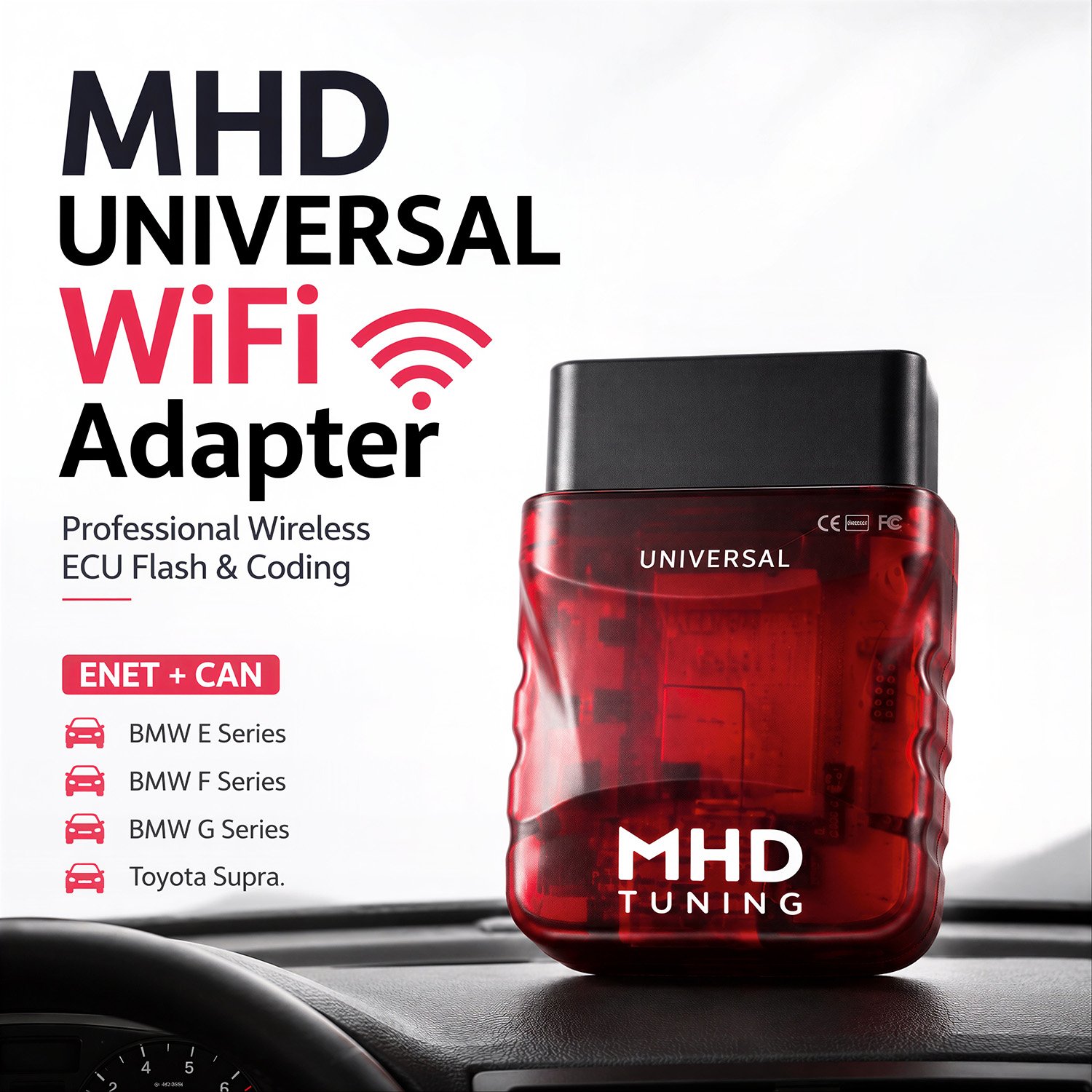



MHD UNIVERSAL WiFi Adapter OBDII Wireless Flash from MHD Tuning
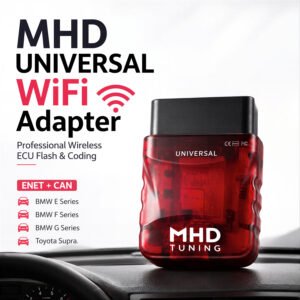
The MHD UNI WiFi is the ultimate wireless solution for tuning and coding your BMW and Toyota Supra MKV, designed to work seamlessly with the market-leading mobile apps.
Comprehensive Protocol Support
The MHD UNI WiFi Adapter is the only adapter on the market that supports every protocol required for modern BMWs and Supra MKVs:
- ENET – for F/G series BMW and Supra
- CAN – for E series and required for xHP flashing on G-Series/Supra ZF 8HP transmissions
- K-Line – for older E series vehicles
Built for Performance and Reliability
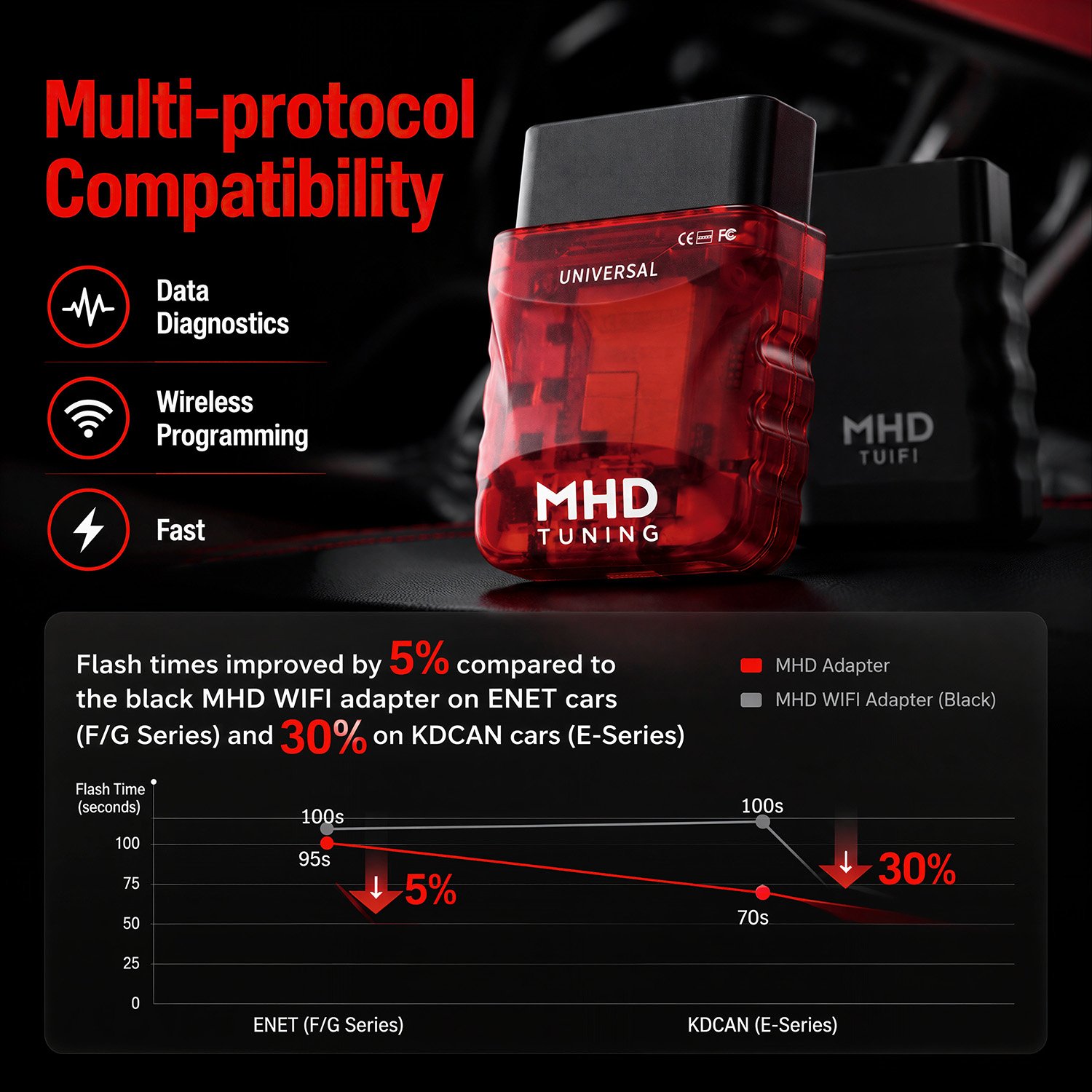
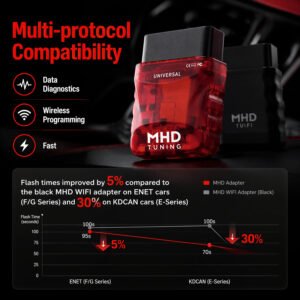
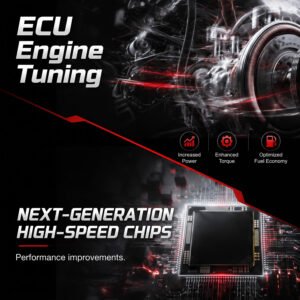
Fully designed in-house by MHD engineers, the MHD UNI WiFi Adapter is built with premium components and a modern chipset. It delivers outstanding reliability and is the fastest adapter available today — outperforming all previous generation models (black, orange, blue, and pink). This all-in-one adapter is compatible with every MHD Tuning–supported vehicle, spanning E, F, and G chassis as well as the Toyota Supra MKV. The adapter automatically detects your vehicle type and selects the best available communication protocol.
Cross-Platform Compatibility
The MHD UNI WiFi Adapter works with both Android and iOS platforms, providing a fast and stable connection for:
- Flashing and tuning
- Real-time monitoring and logging
- Reading and clearing fault codes
- Resetting engine adaptations
Tested and Compatible Apps
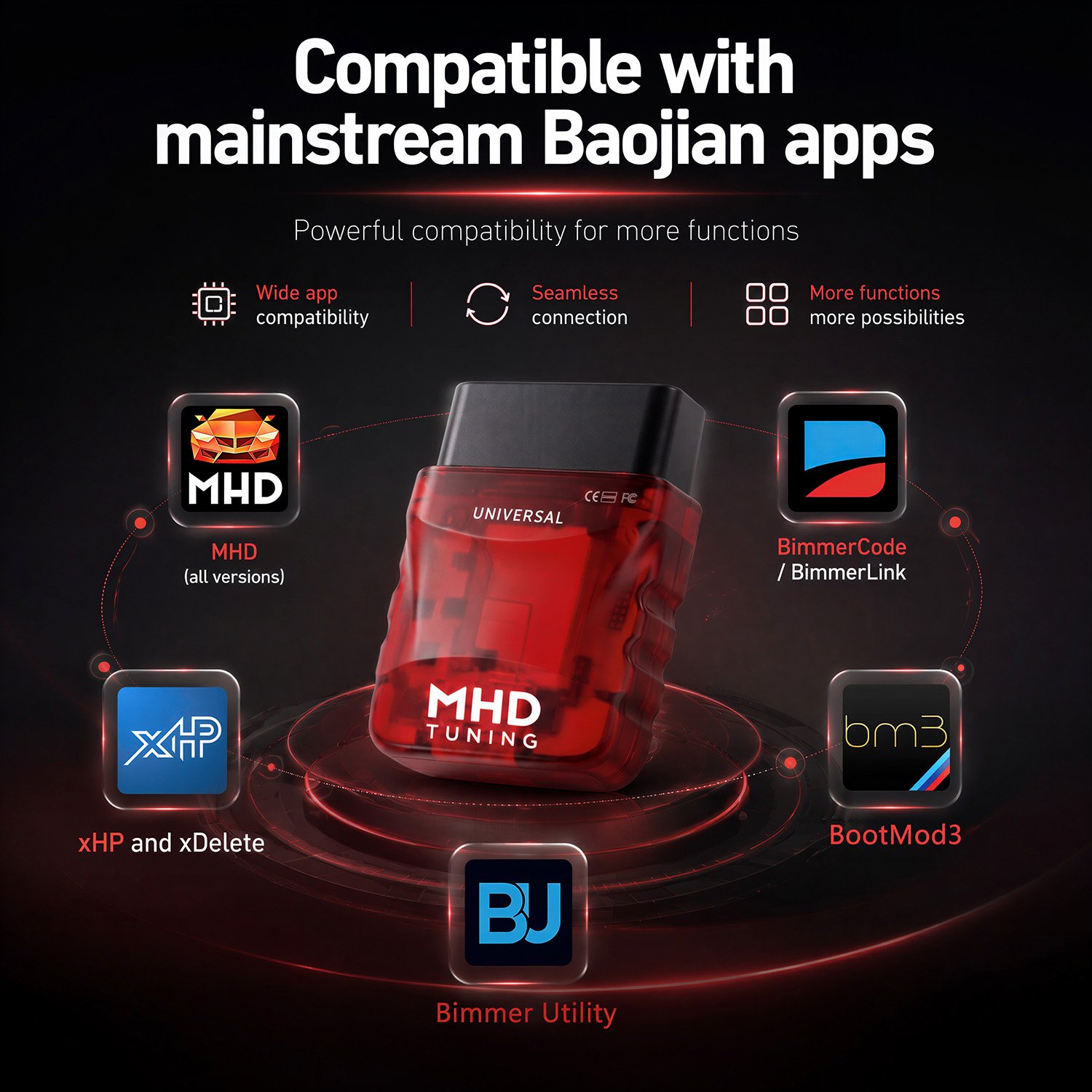
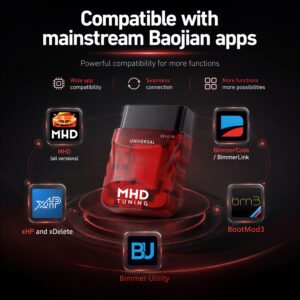
The following apps have been tested with the MHD UNIVERSAL Adapter (with more to come):
- MHD (all versions)
- BimmerCode™
- xHP™ and xDelete™
- Bimmergeeks Protool™
- Bimmer-Tool™
- Additionally, any third-party app supporting the following protocols is compatible:
KWP over K-Line
KWP over CAN
UDS over CAN
UDS over ENET
Standout Features
🔋 Sleep Mode
Once the adapter detects that the vehicle is turned off, it automatically enters sleep mode to prevent battery drain. Our testing shows it can remain plugged in for months without issue. That said, it’s always wise to keep an eye on your battery’s health.
⚡ ENET Speed
Unlike any other adapter on the market, the MHD Universal houses multiple communication units within a single body. ENET-equipped vehicles (F and G series) benefit from a super-fast protocol, while traditional CAN is used for others. The adapter auto-detects which protocol to use.
🛠️ Debug Log
All supported application providers receive technical documentation on how to use the debug mode and the advantages it offers. In simple terms, the MHD Universal adapter enables deeper understanding and integration with various vehicles, ultimately delivering a better experience for the end user.
🏎️ xHP Special Mode
G-chassis owners will appreciate that the MHD Universal adapter is the only adapter that enables a smooth unlock process along with exceptionally fast flashing speeds for xHP.
🔄 Automated Firmware Updates
The MHD UNIVERSAL Adapter supports on-the-fly firmware updates. When the MHD App detects an outdated version, it will automatically update the firmware and prompt you to reconnect once complete. It is essential to keep both your MHD Apps and MHD Universal adapter firmware up to date.
⚠️ Please Note: The purchase of this adapter does not include any licenses required to use the MHD app.
How to Connect
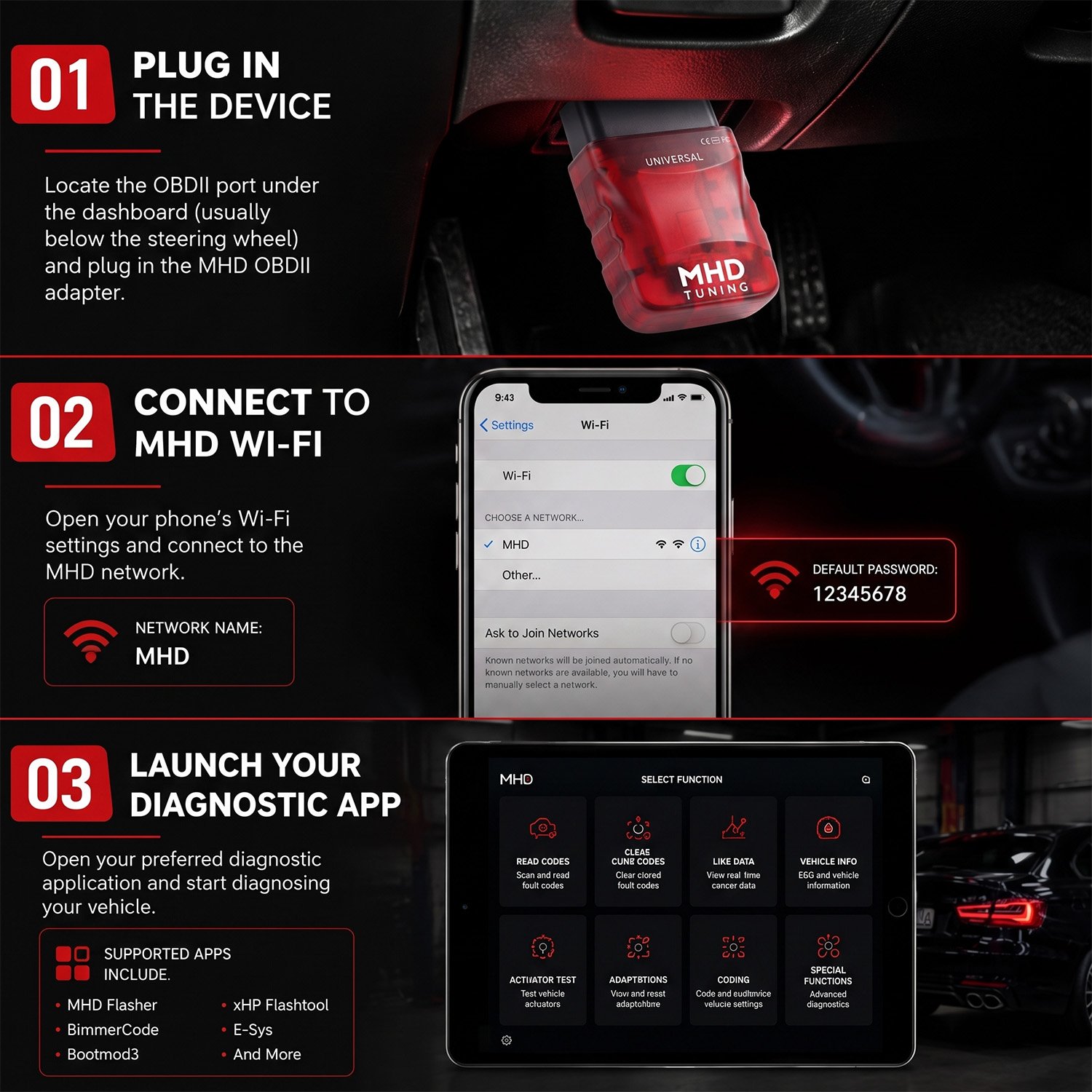
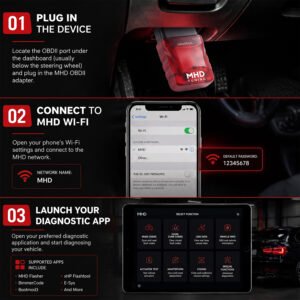
- Plug in the adapter — The MHD UNIVERSAL Adapter will automatically detect the best protocol for your vehicle. Based on this detection, the adapter’s WiFi network name will change accordingly:
F series vehicles → WiFi name will appear as MHD ENET XXXX
E series vehicles → WiFi name will appear as either MHD CAN XXXX or MHD KLINE XXXX (most vehicles pre-2007 will use K-Line)
XXXX represents the unique identifier of your specific unit
Connect to the WiFi network — No password is required. - Launch the MHD app — Choose the correct app for your vehicle:
BMW E Series N54 engine → MHD N54
BMW E Series N55 engine → MHD N55e
BMW F/G Series & Supra with B58 engine → MHD F+G
Test the connection — Start by reading DME codes. This feature is completely free and does not require a license. - Flash your tune — If the connection is successful, simply create an account or log in, and you’re ready to flash!
Be the first to review “MHD Universal WiFi Adapter OBDII Wireless Flash from MHD Tuning”
You must be logged in to post a review.
Related products
Uncategorized
Uncategorized
Uncategorized
Uncategorized
Uncategorized
Uncategorized
Reviews
There are no reviews yet.